MADE SIMPLE
EASY FORM STUDIO
Built on the Power of Blender, Crafted for Furniture Creation and Interior Design
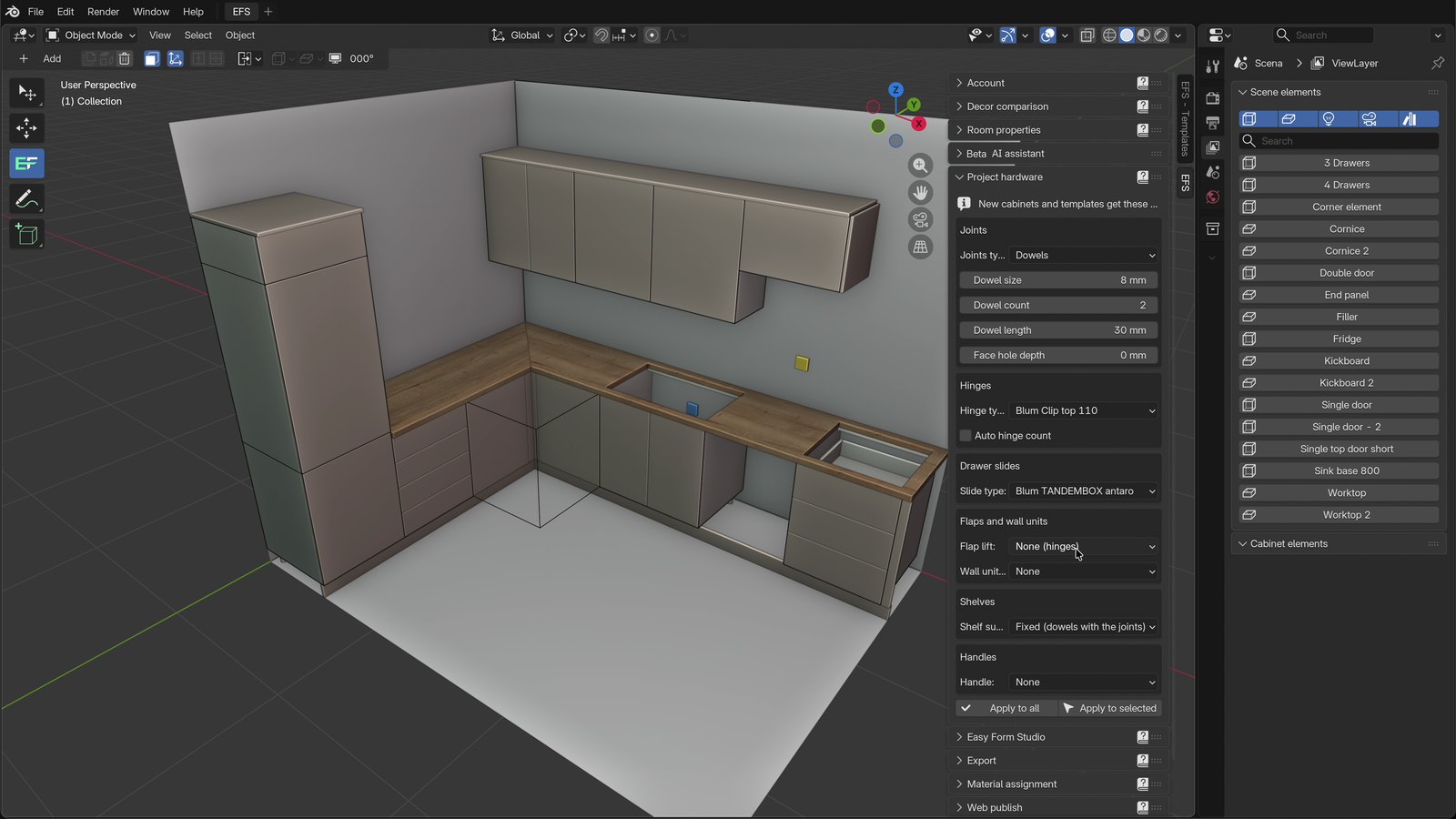
EasyFormStudio is a Blender add-on for furniture design. By leveraging Blender’s cutting-edge technology, we offer you a powerful, stable platform for you to design with confidence and ease. Using an engine recognized worldwide for its flexibility and performance your designs are ready to shine.
Key features
- ✓ Fully adjustable cabinet dimensions and properties
- ✓ Automatic shelf placement with custom spacing
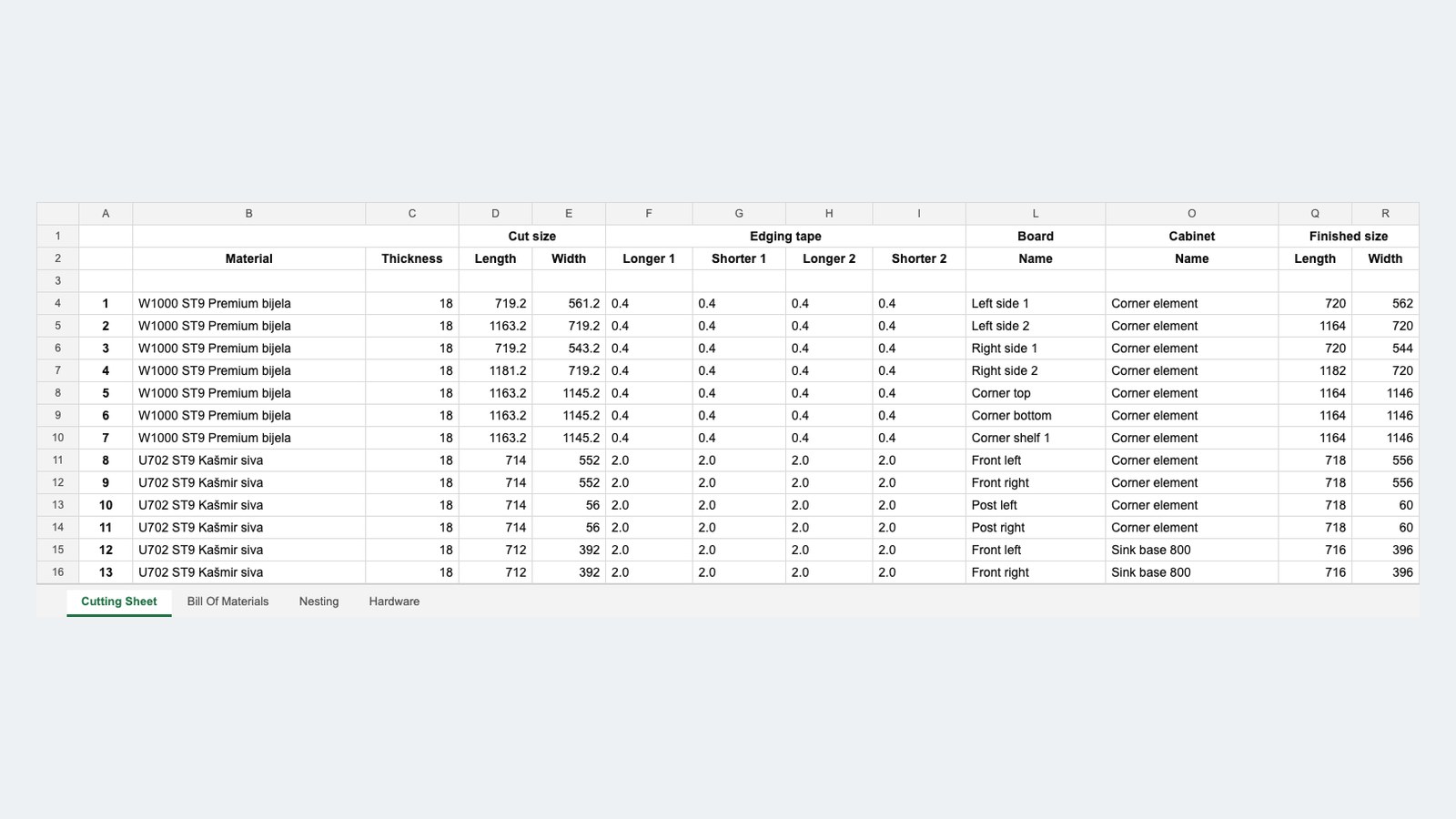
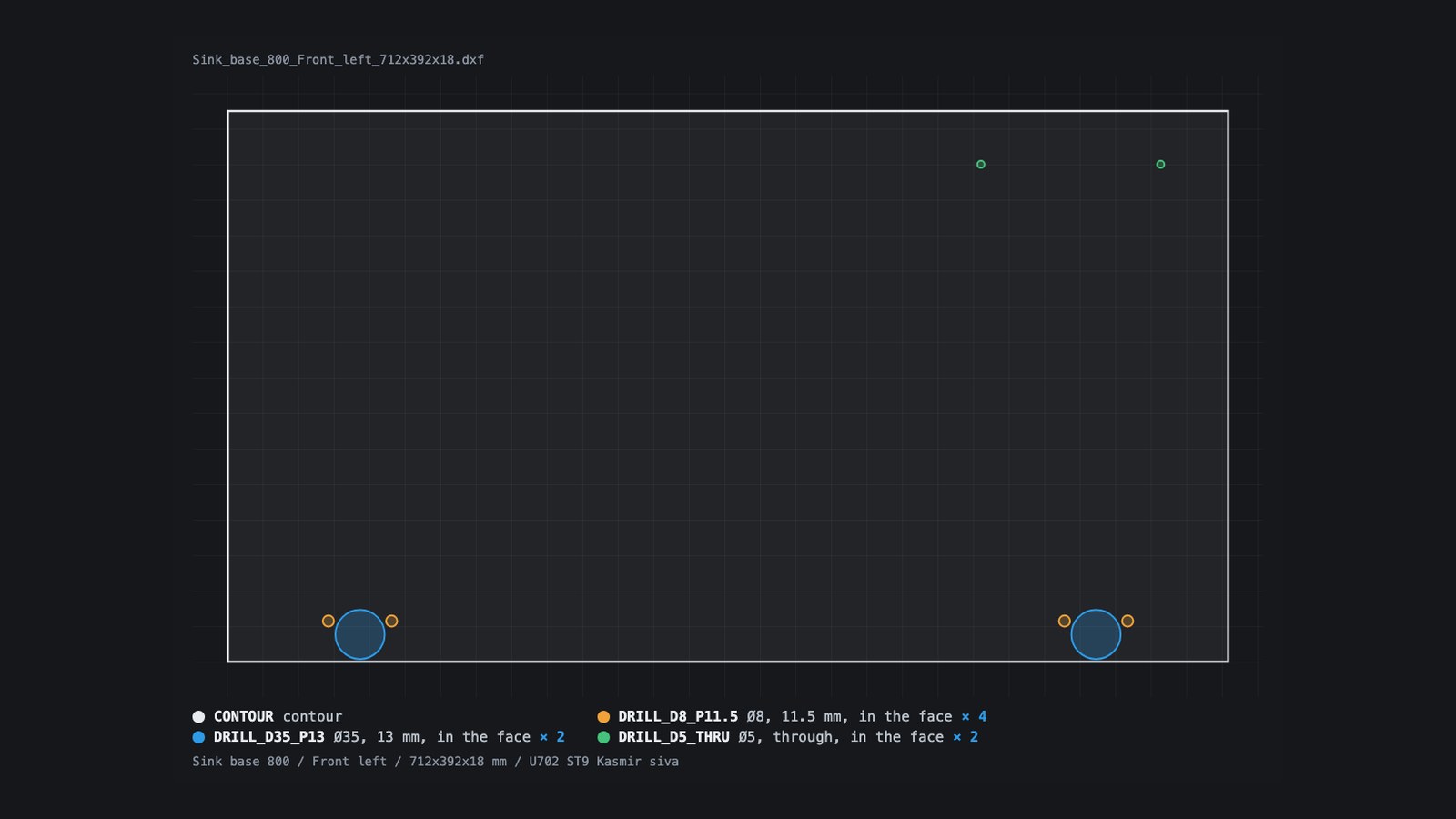
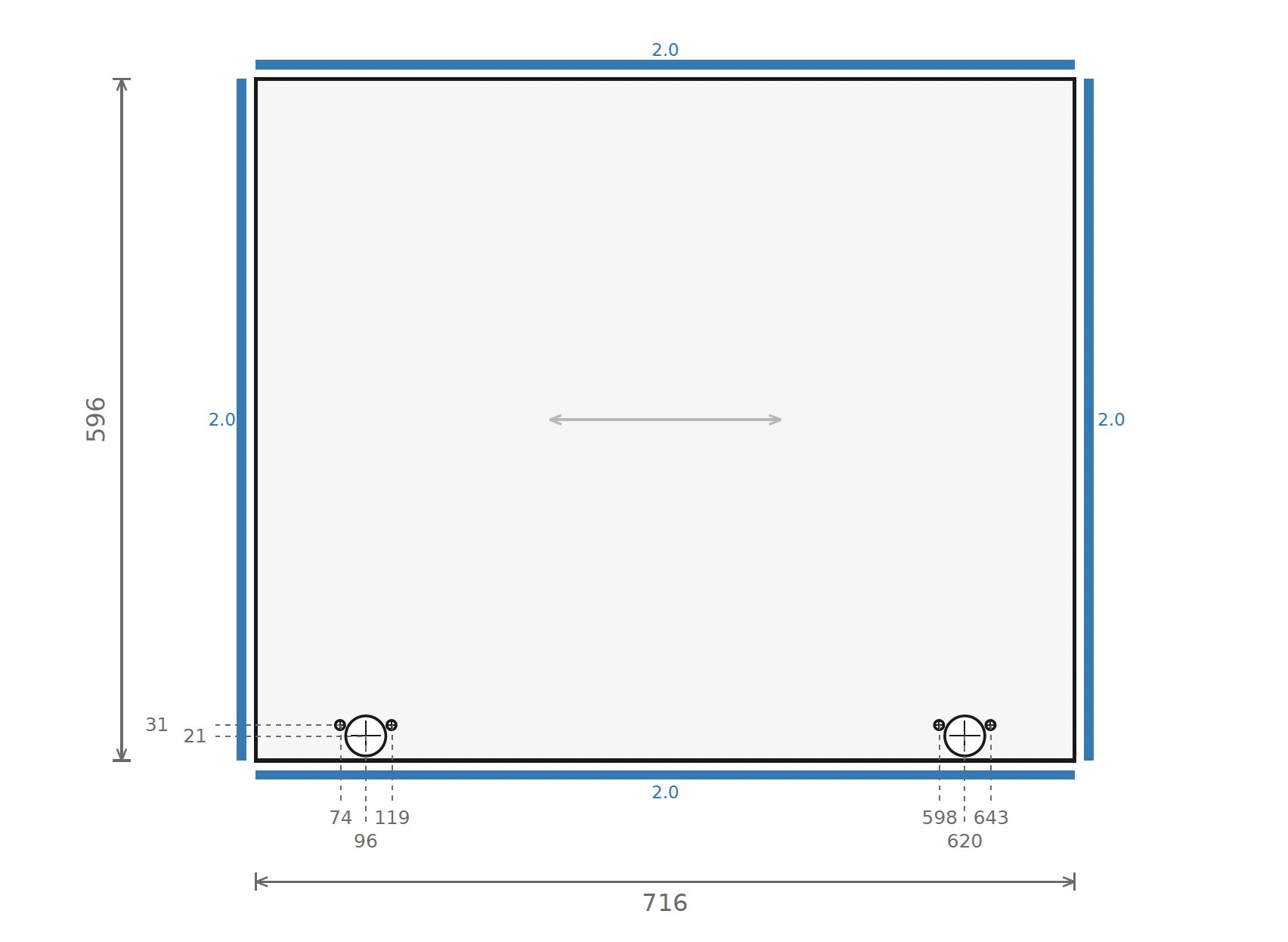
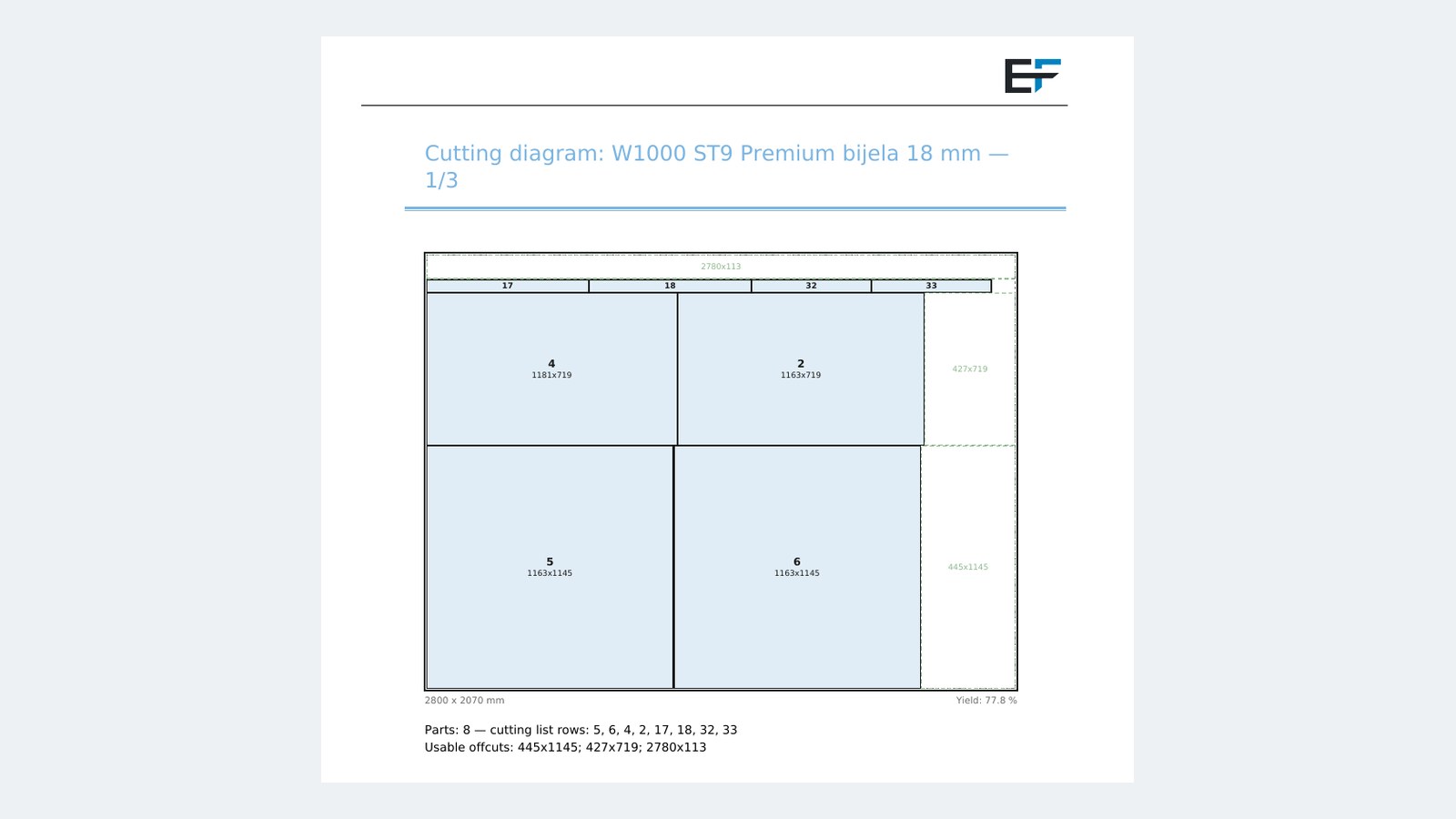
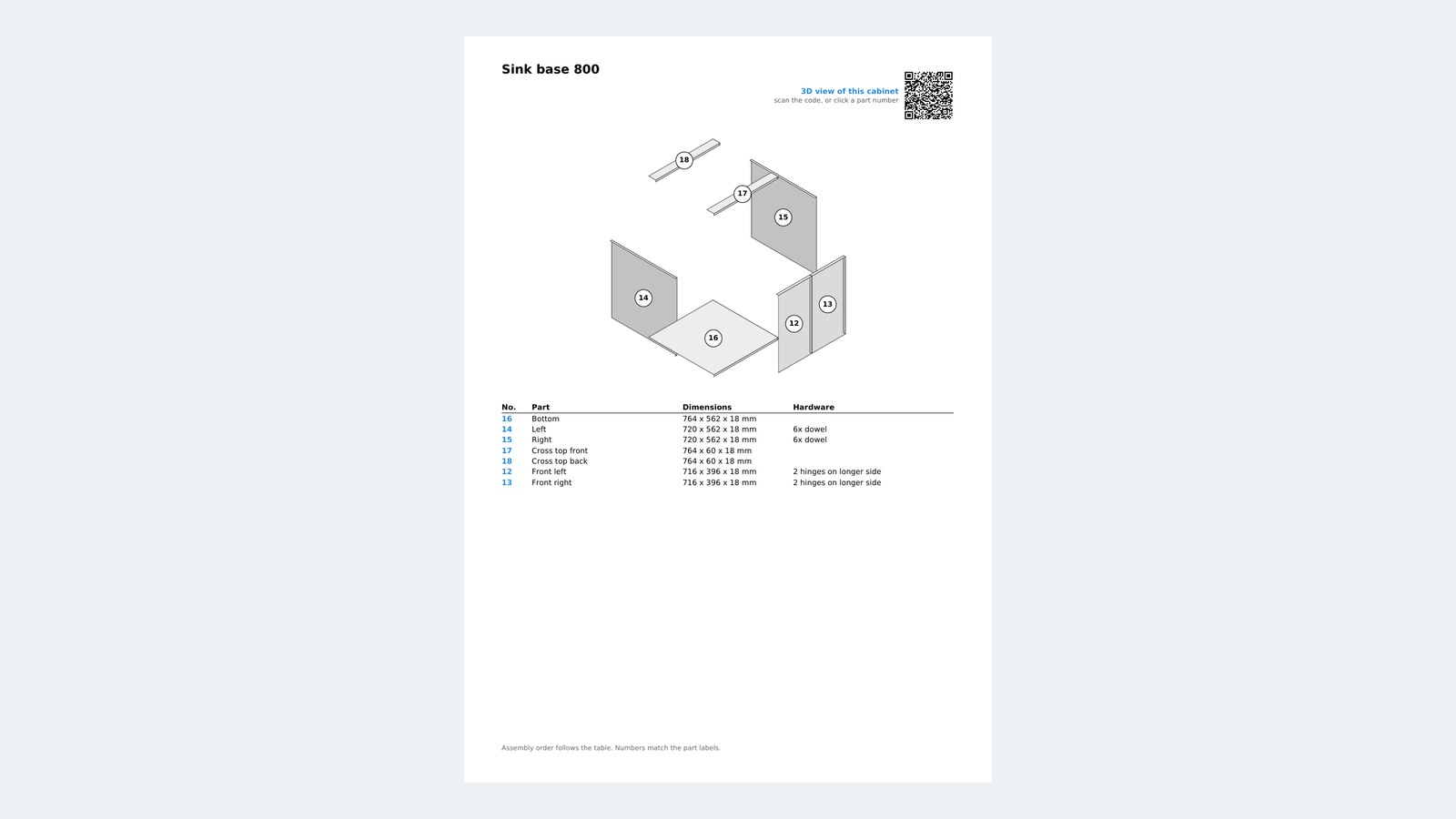
- ✓ Cutting lists and CNC images with measurements
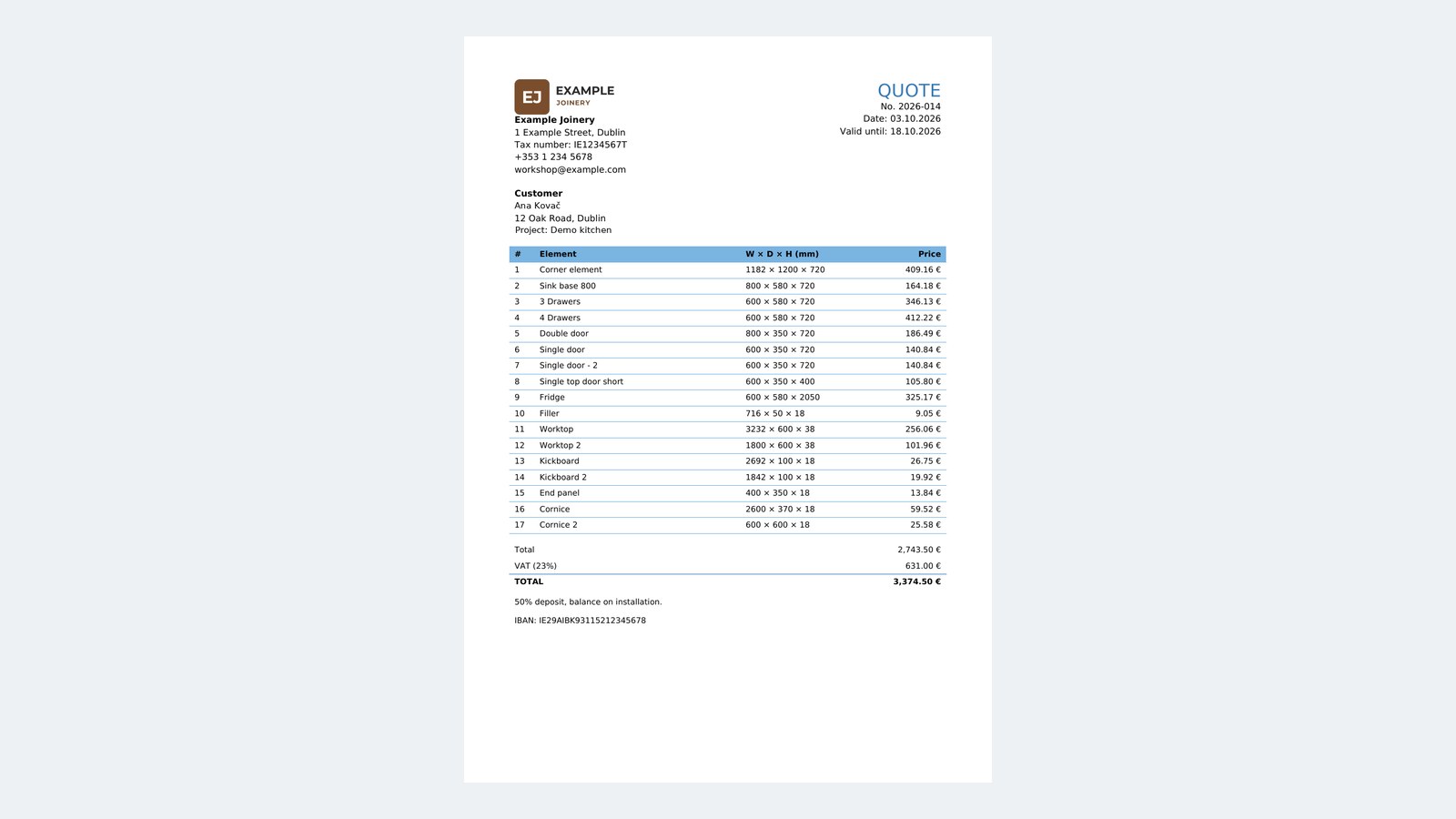
- ✓ Generate detailed bills of materials and pricing
- ✓ Customizable doors, drawers, and opening directions
- ✓ Gola profile support for handle-free design
- ✓ Grain direction and edge banding management
- ✓ Support for various joint types and overflow settings
- ✓ From standard cabinets to irregular or corner shapes
- ✓ Precise placement with coordinates and alignment
- ✓ Adapt furniture to architectural obstacles
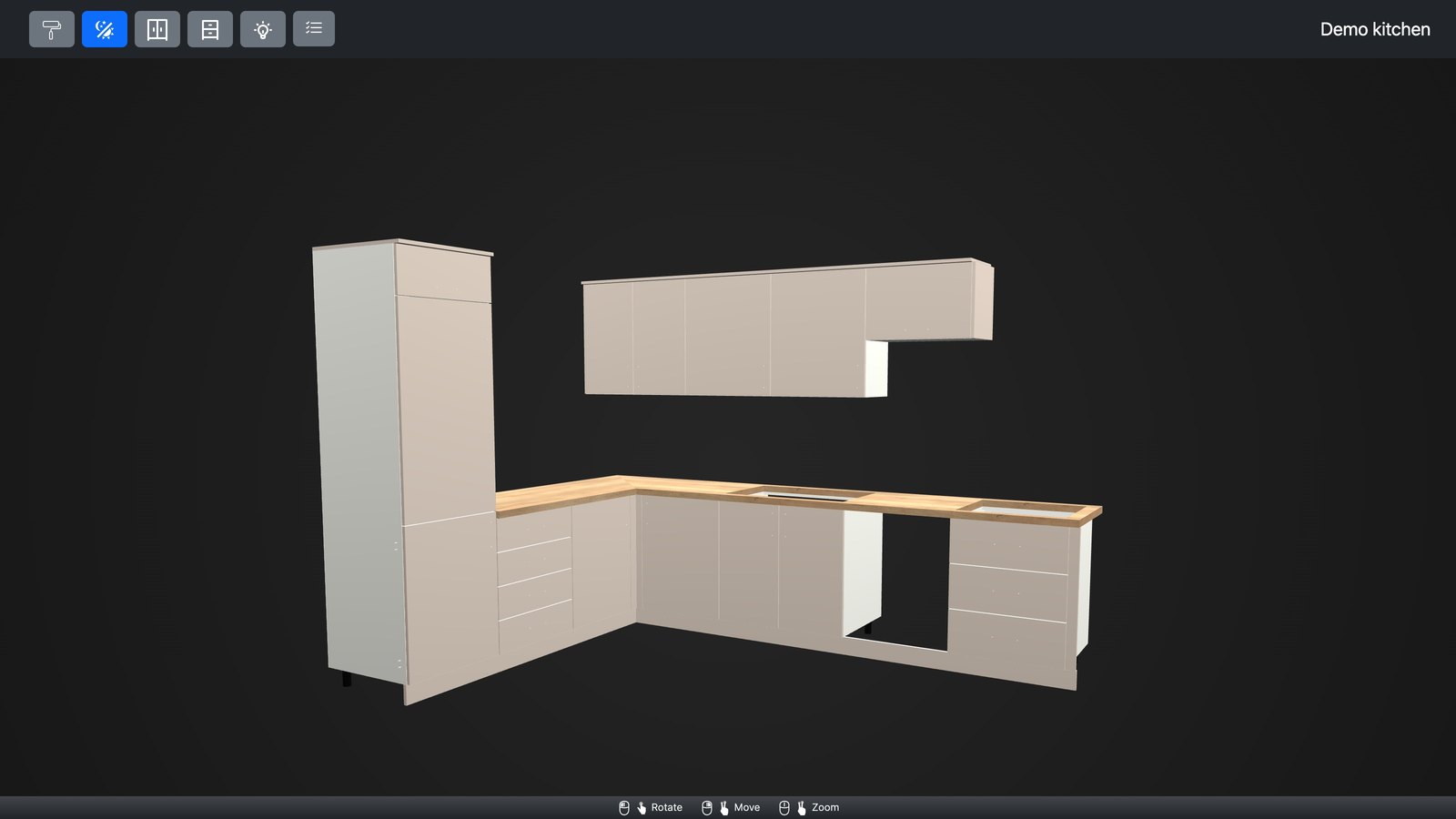
- ✓ Publish interactive 3D models online with animations
From design to cutting list
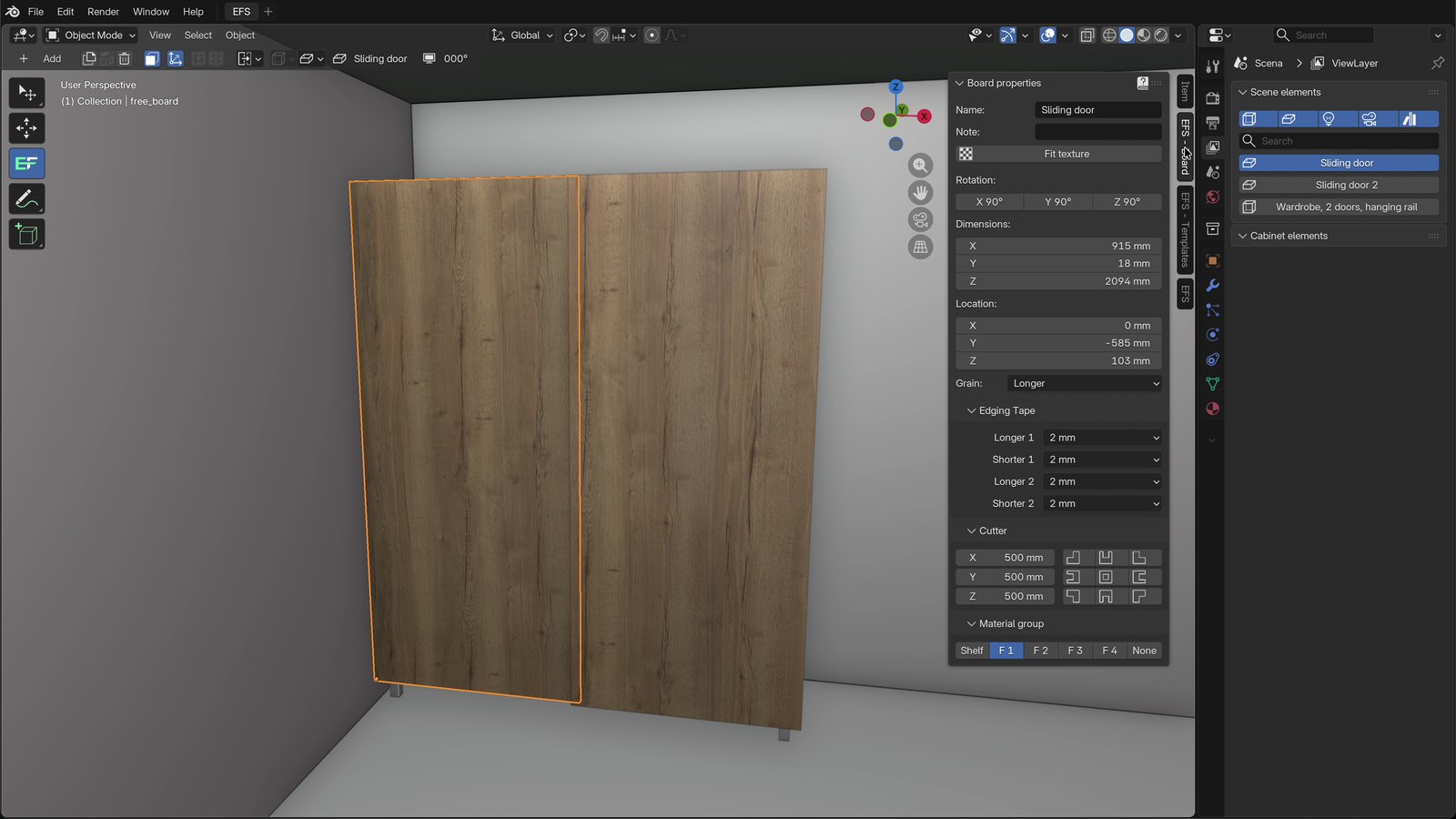
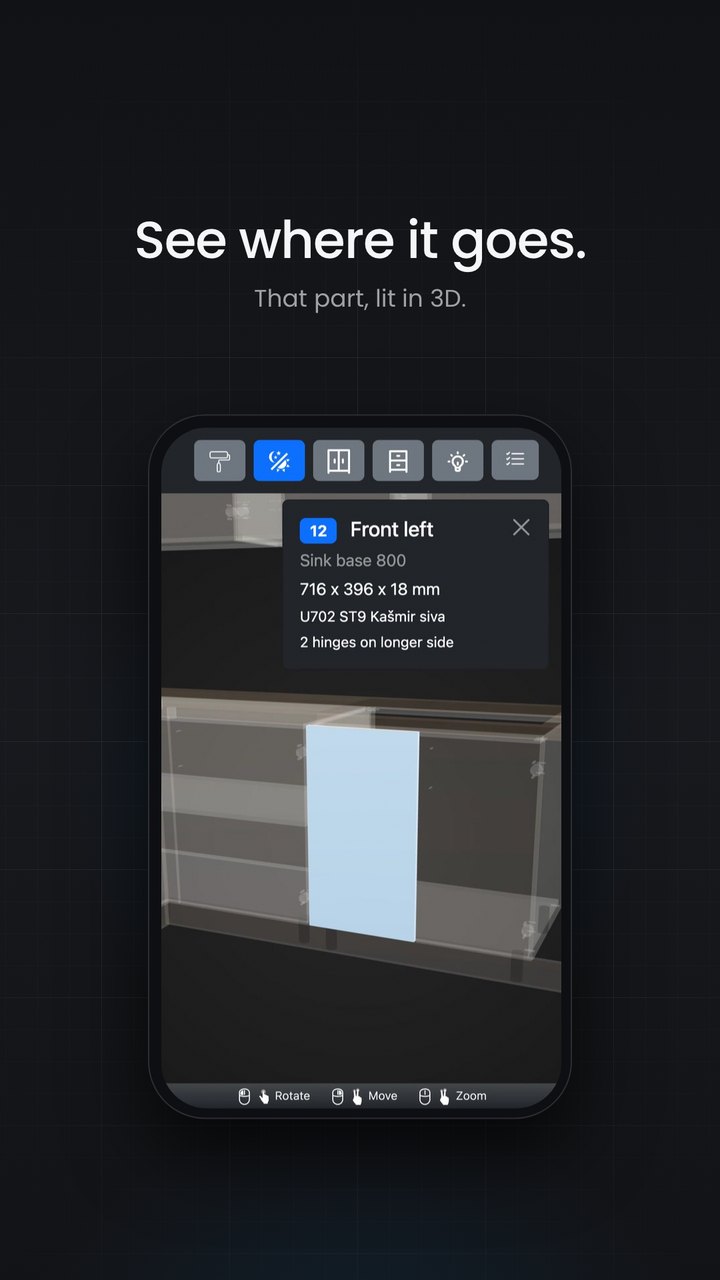
Create professional furniture designs with ease and generate precise, production-ready cutting lists in seconds. Our intelligent system automatically calculates exact dimensions for every panel, edge banding strip, and hardware component in your project. Each element comes with clear, customizable labels that include material specifications, grain direction, edge banding codes. Say goodbye to measurement errors, material waste, and confusion during assembly.
Design using templates
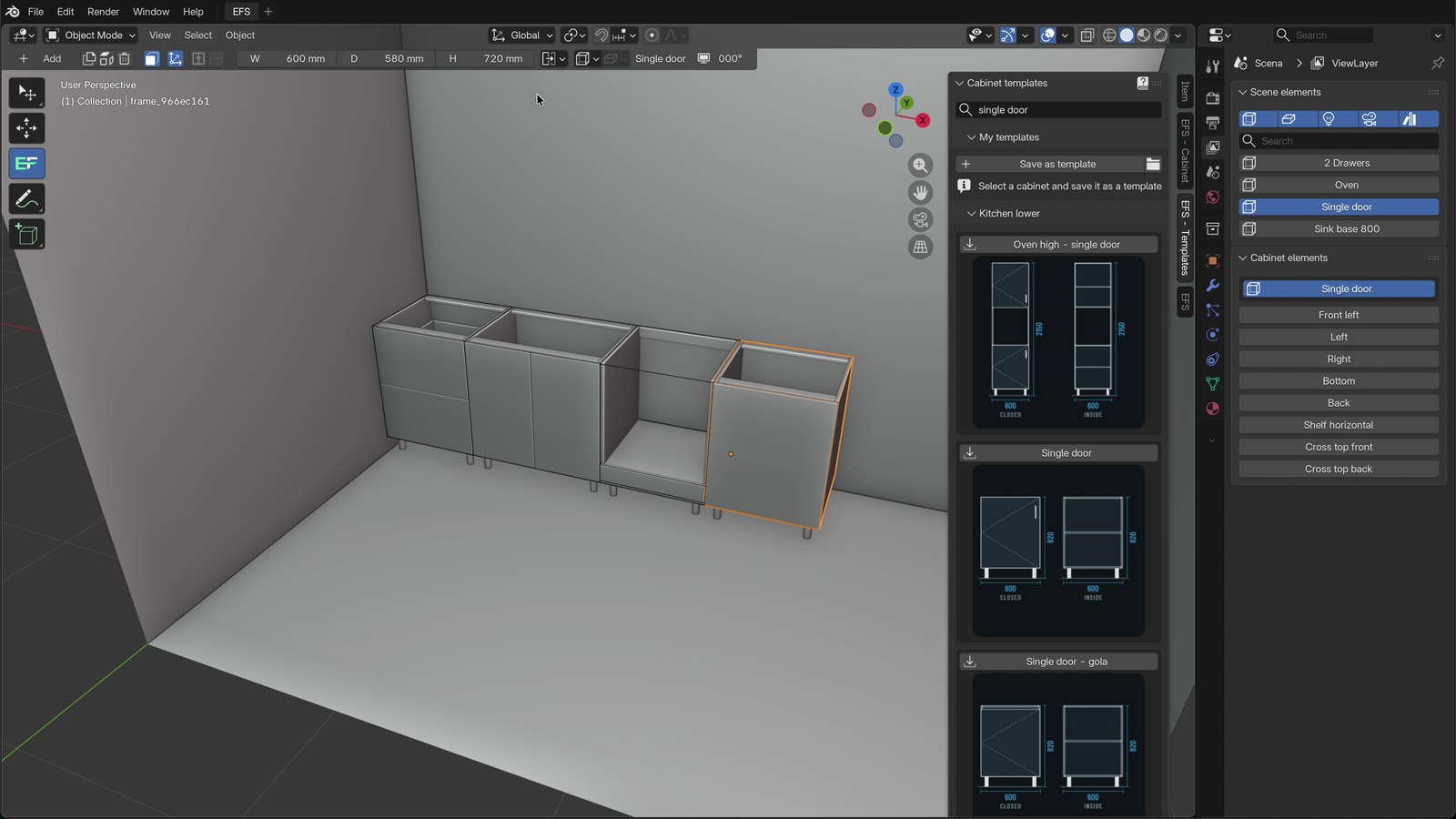
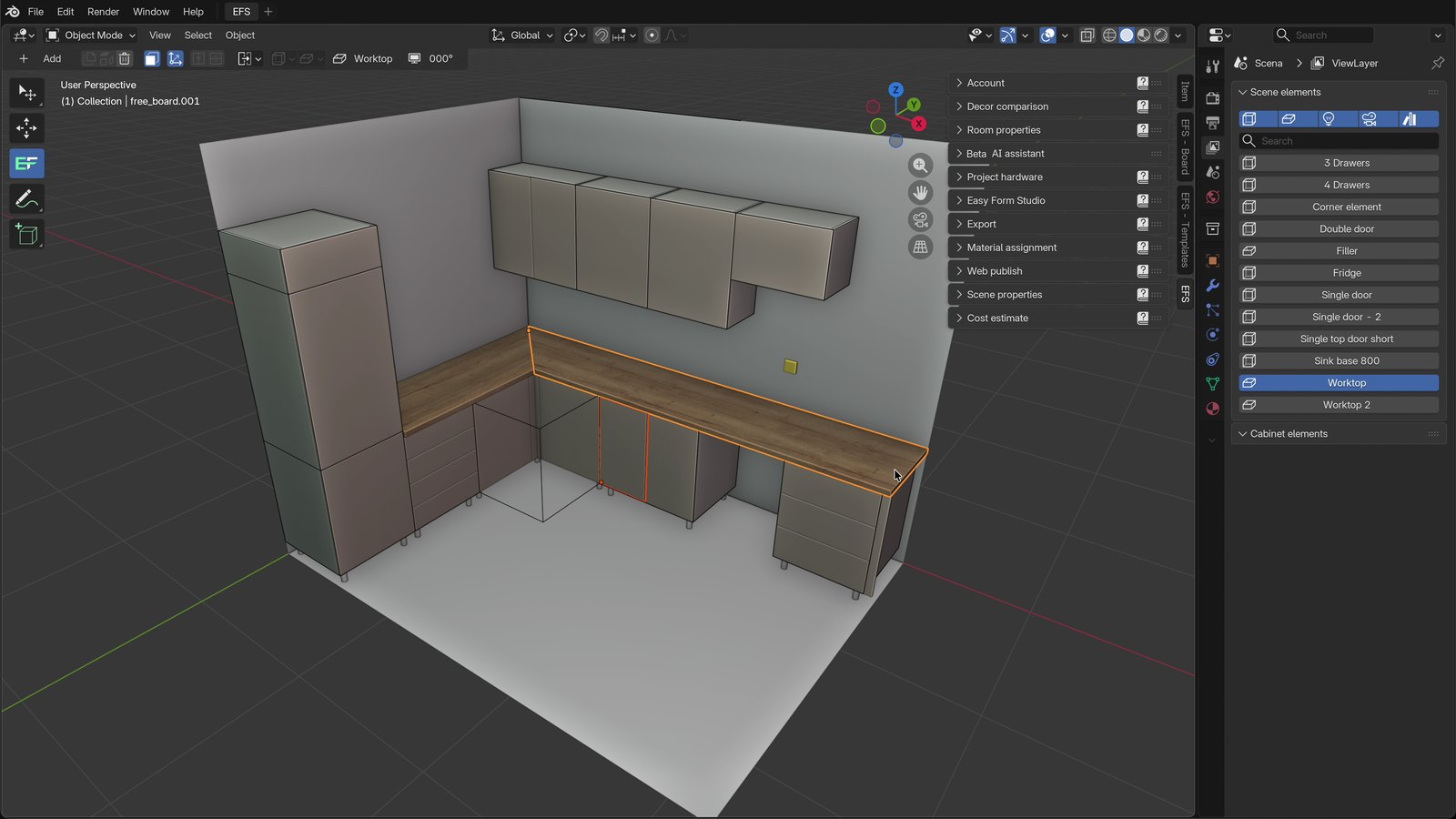
Accelerate your workflow with our comprehensive template library designed for real-world furniture projects. Start with pre-built templates for complete kitchens. Our intelligent template system includes parametric components that automatically adjust dimensions, shelf configurations, and hardware placements based on your input. But the real power lies in creating your own: build custom cabinet templates with your signature construction methods. Save your standards for drawer systems, door styles, joinery details.
Comprehensive control
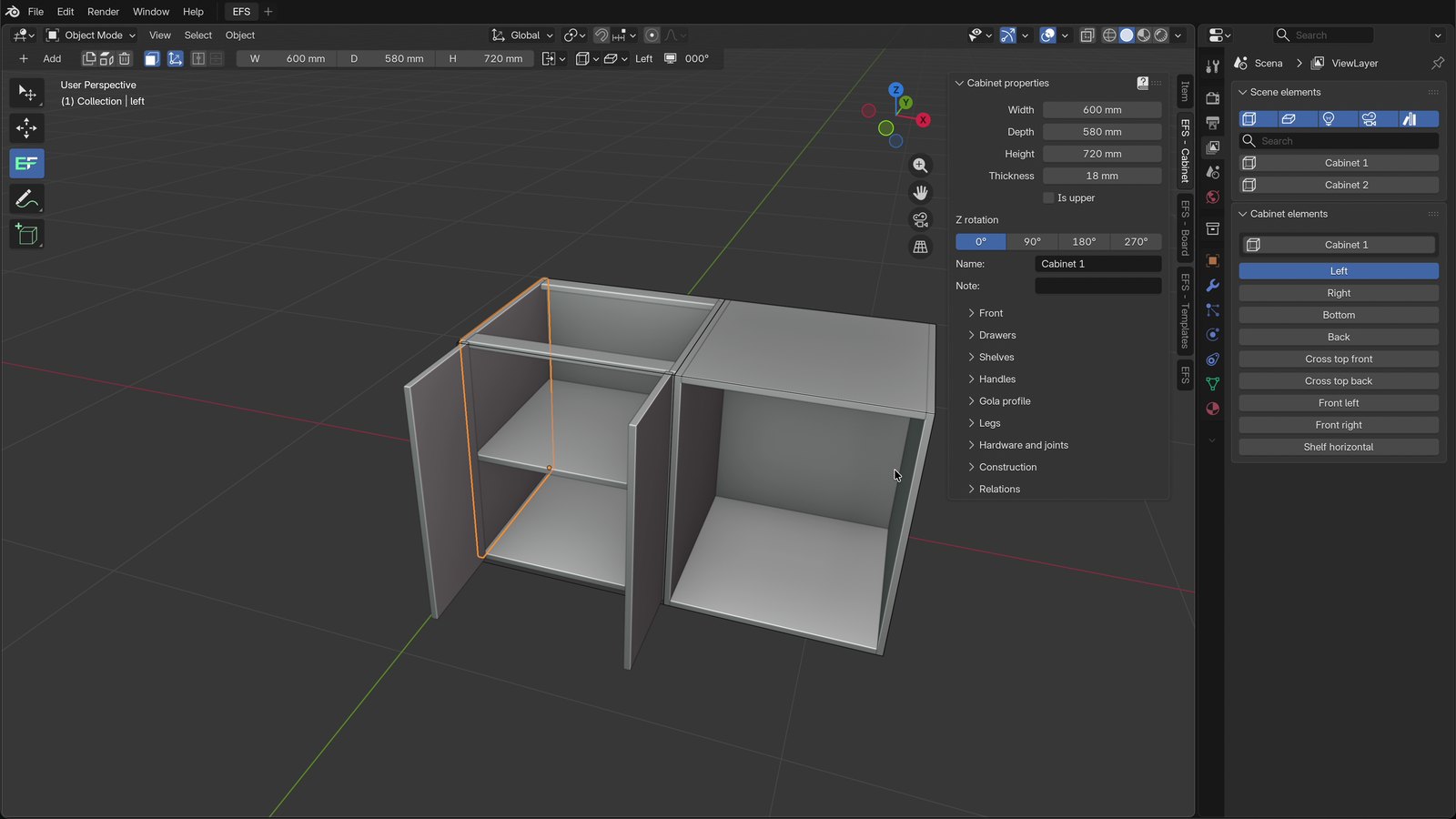
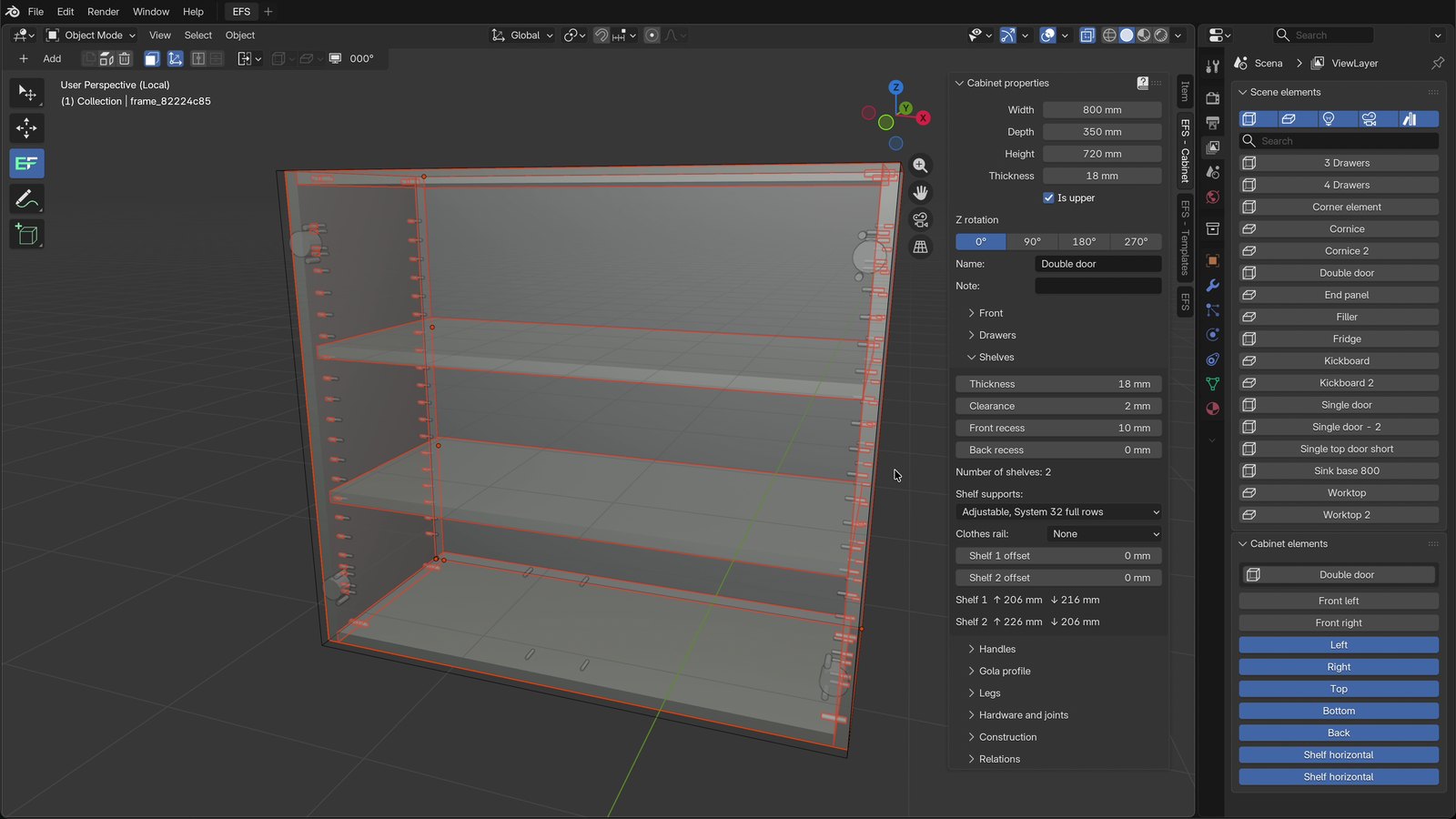
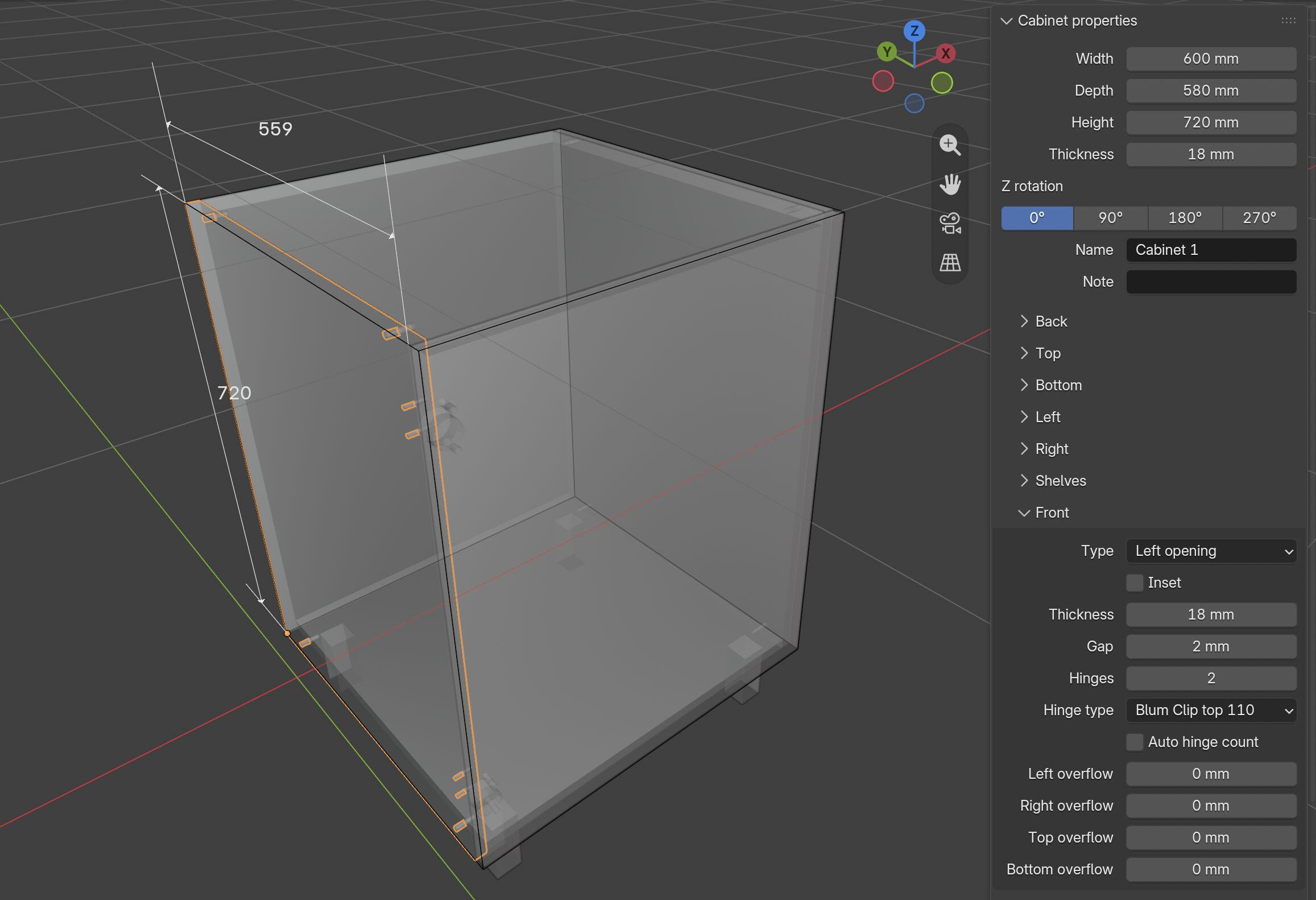
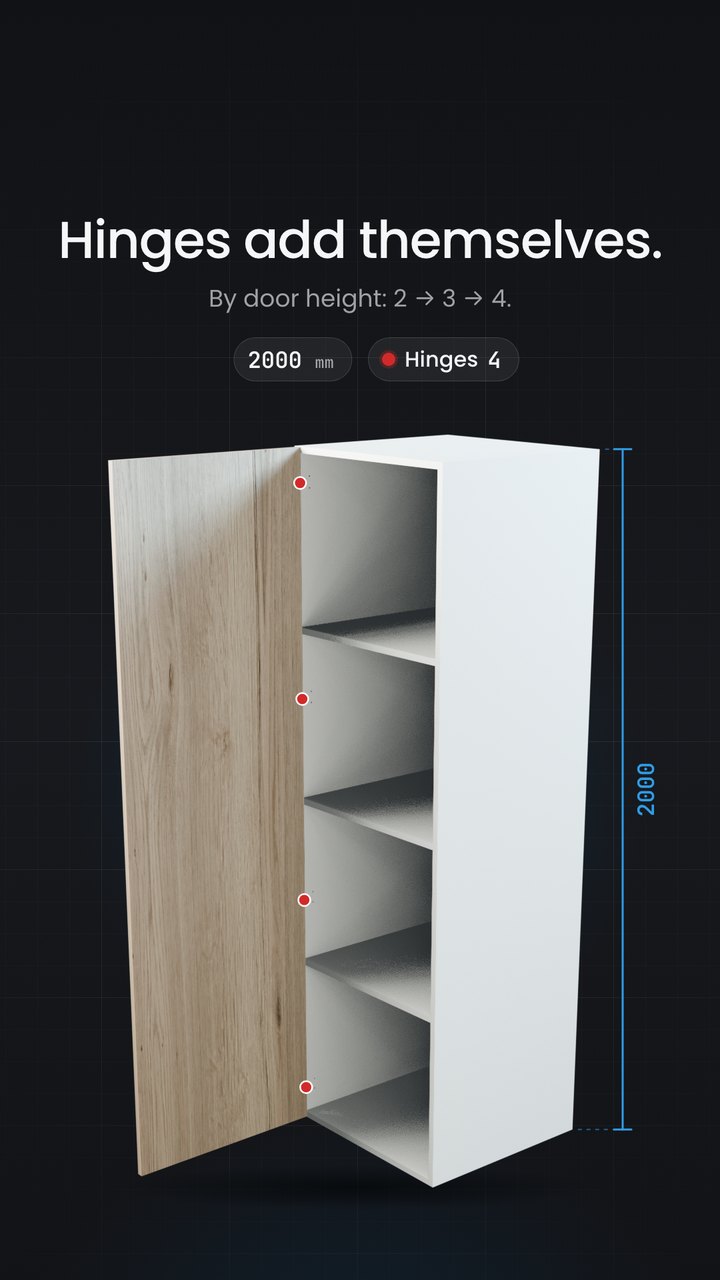
Take command of every aspect of your cabinet design with our extensive property system that puts precision at your fingertips. Adjust cabinet dimensions, modify panel thicknesses, change material types, configure hinges, customize drawer slide specifications, set back panel depths, and fine-tune every construction detail through intuitive controls. The magic happens in real time, change a cabinet's width and watch as all internal components automatically recalculate: shelves resize, vertical dividers reposition, door dimensions adjust, edge banding lengths update. Modify material thickness and see how it cascades through the entire assembly to maintain structural integrity. Every property is interconnected, ensuring that your design remains accurate and buildable no matter how many changes you make. This intelligent parametric system gives you the freedom to experiment, refine, and perfect your designs with confidence.
Estimate cost
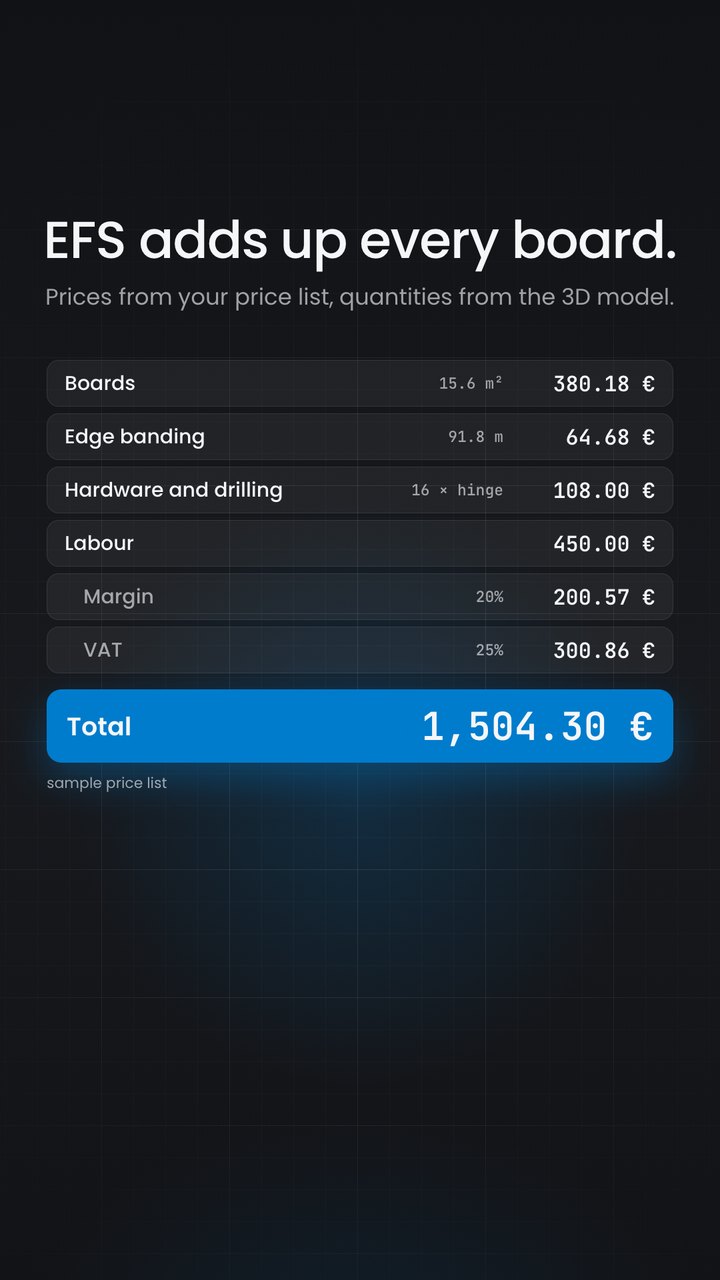
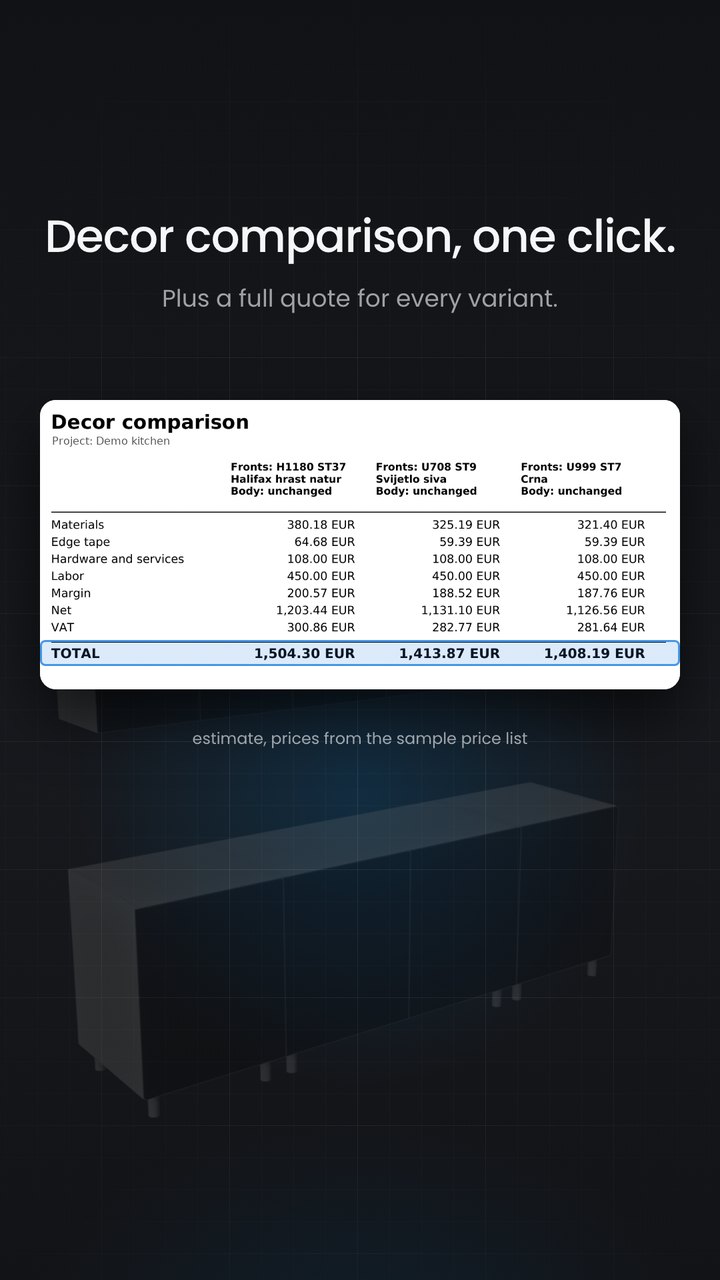
Know your project profitability before you commit. Our intelligent cost estimation system automatically tracks every material and component as you design, giving you real-time pricing visibility from the first cabinet to the finished kitchen. Input your supplier prices once, board materials per square meter, edge banding per linear meter, hinge costs per unit, drawer slide prices by type, cabinet leg rates and watch as the software calculates total project costs instantly. Add a cabinet and see the cost update immediately. Extend a countertop and watch material costs adjust automatically. Our bill of materials breaks down expenses by category: see exactly how much you're spending on panels, edge banding, hardware, and accessories. Export detailed cost reports for client quotes, add your labor rates and markup percentages, and generate professional estimates.
cabinet fitting
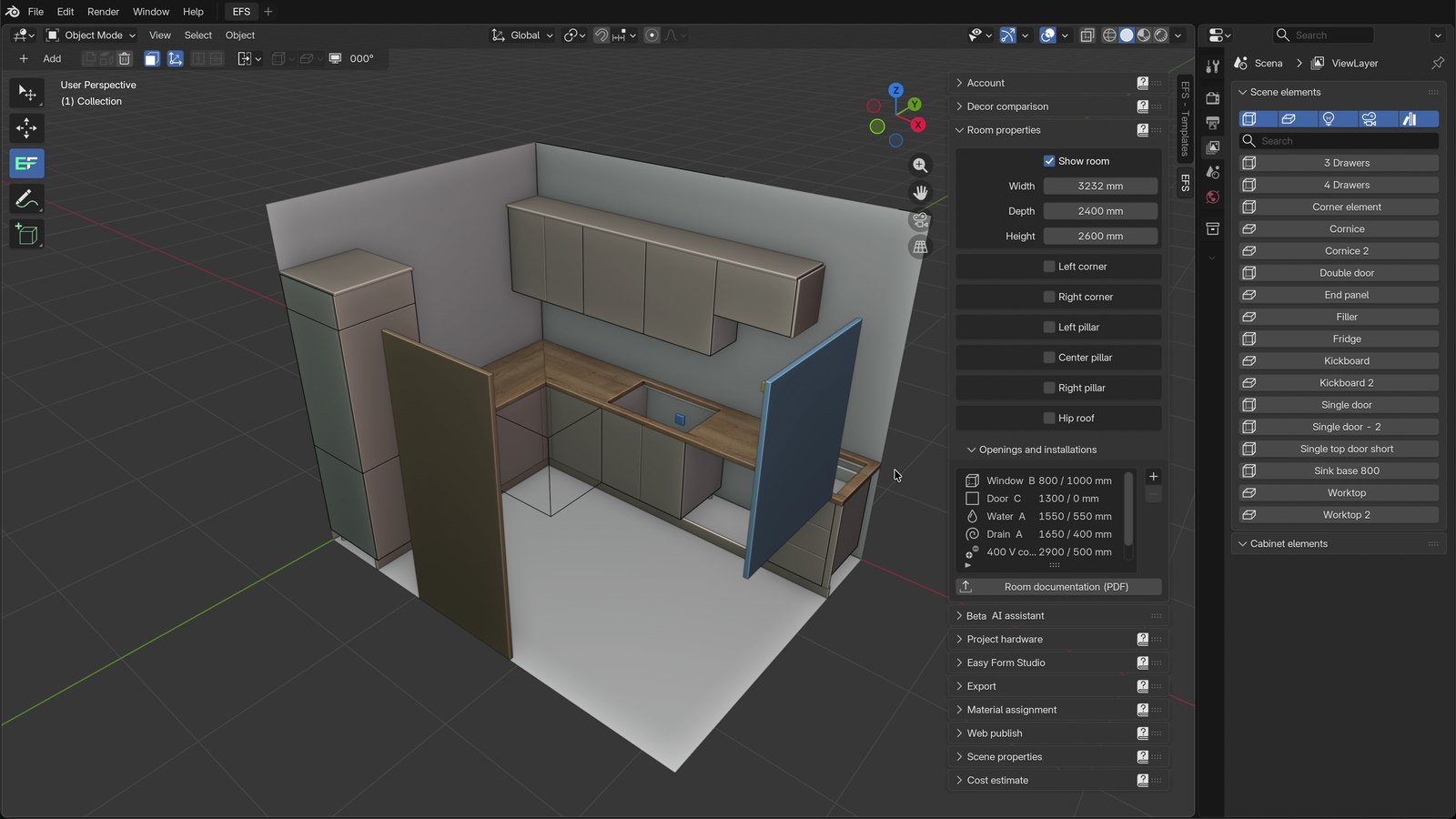
Master even the most challenging installation spaces with our intelligent room configuration system. Easily define complex architectural features that real-world projects always seem to have: structural pillars that interrupt wall runs, hipped roof slopes that limit upper cabinet heights. Our software accurately maps these obstacles in 3D, then intelligently calculates precise cabinet dimensions that fit perfectly around them. Design a kitchen around a load-bearing pillar—the system automatically suggests optimal cabinet breaks and filler panel placements. Working under a sloped ceiling? Input dimensions and watch as upper cabinet heights adjust along the wall to maximize storage while maintaining proper clearances.
Various design modes
Work the way you think with multiple visualization modes that adapt to every stage of your design process. Switch instantly between three powerful views, each optimized for different tasks and design phases. Wire mode strips away all visual complexity, showing only essential construction lines and dimensions. Roentgen mode (X-ray view) reveals the hidden skeleton of your design, displaying internal components, and construction details as if looking through the panels, ideal for planning assembly sequences. Modeling mode delivers photorealistic 3D visualization with materials, textures, lighting, and shadows, essential for client presentations, design reviews, and communicating your vision with stunning clarity.
I can finally create tailor made designs for my clients without limitations. Easy Form Studio gives me the freedom to experiment and deliver unique results that truly wow people.
Mario T.
This software has everything I need, all in one place. No more juggling multiple programs or plugins, Easy Form Studio handles it all, from concept to final render and cutting list.
Luke B.
Designing with Easy Form Studio is pure joy. It turns what used to be a tedious process into an enjoyable, almost playful experience, yet the results are professional grade.
Anna M.
No more costly mistakes! Easy Form Studio automatically catches potential errors, helping me avoid production issues. It’s like having a second set of expert eyes on every project.
David S.
Easy Form Studio has cut my design time significantly. What used to take hours now takes minutes, and I can quickly iterate and refine without wasting precious time.
Emma L.
I’ve tried many tools, but nothing compares to the simplicity of Easy Form Studio. It’s intuitive, streamlined, and lets me focus on creativity instead of getting lost in complex settings.
Nicholas R.
BUY NOW
With a one-time payment, you get lifetime access to all future updates, bug fixes, and an expanding library of furniture templates – no subscriptions, no hidden fees.
Showcase
Explore real-world projects designed and built with EasyFormStudio. Browse through our gallery of completed kitchens, custom wardrobes, office furniture, and specialized cabinetry. See how designers and manufacturers are using our software to bring their visions to life, from contemporary minimalist kitchens to traditional fitted wardrobes and complex commercial installations. Get inspired by creative solutions, discover design possibilities, and witness the quality and precision achievable with EasyFormStudio.
Living room 1
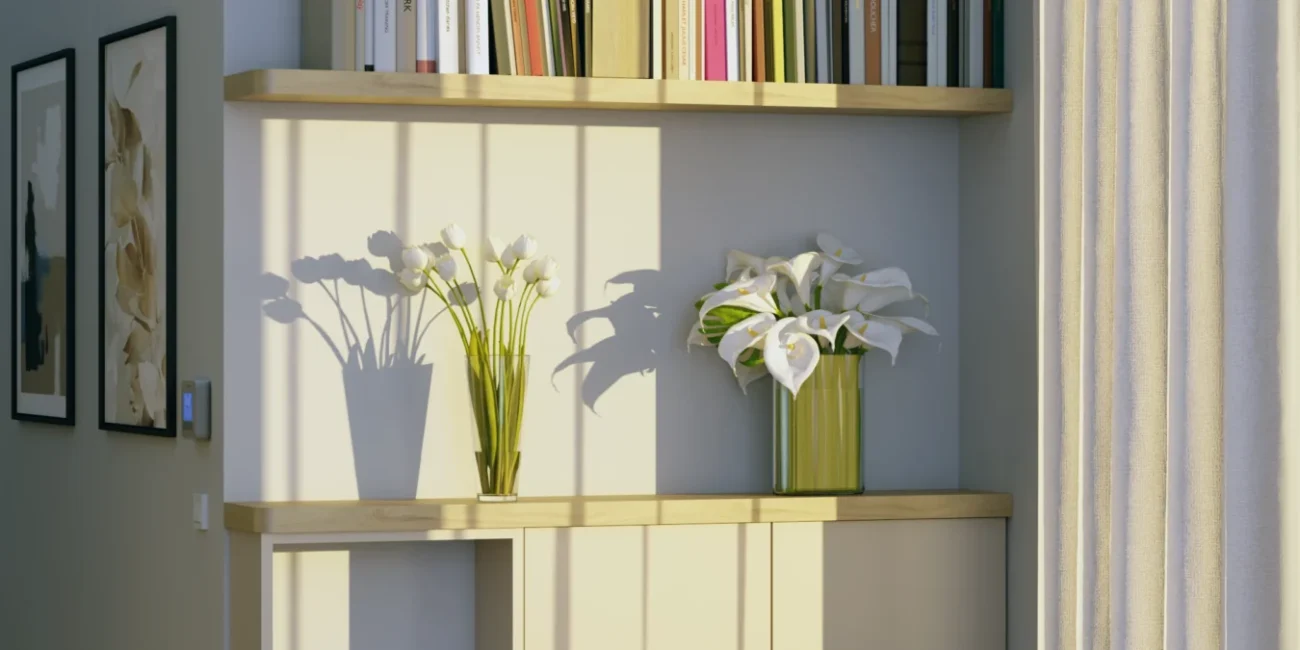
Conceived entirely in software and rendered with photorealistic precision, this floor-anchored wall unit demonstrates what becomes possible when design tools match the ambition of
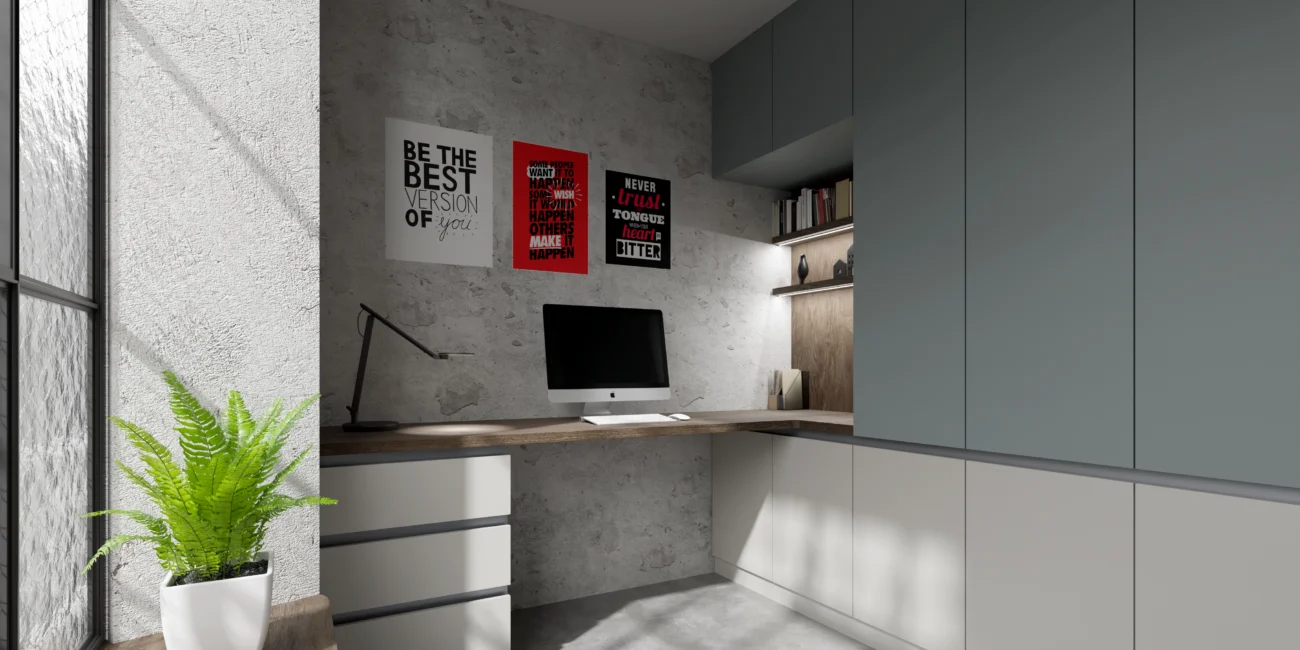
Home office 1
This striking contemporary home office masterfully blends industrial aesthetics with functional design, creating an inspiring workspace that balances raw textures with refined elem
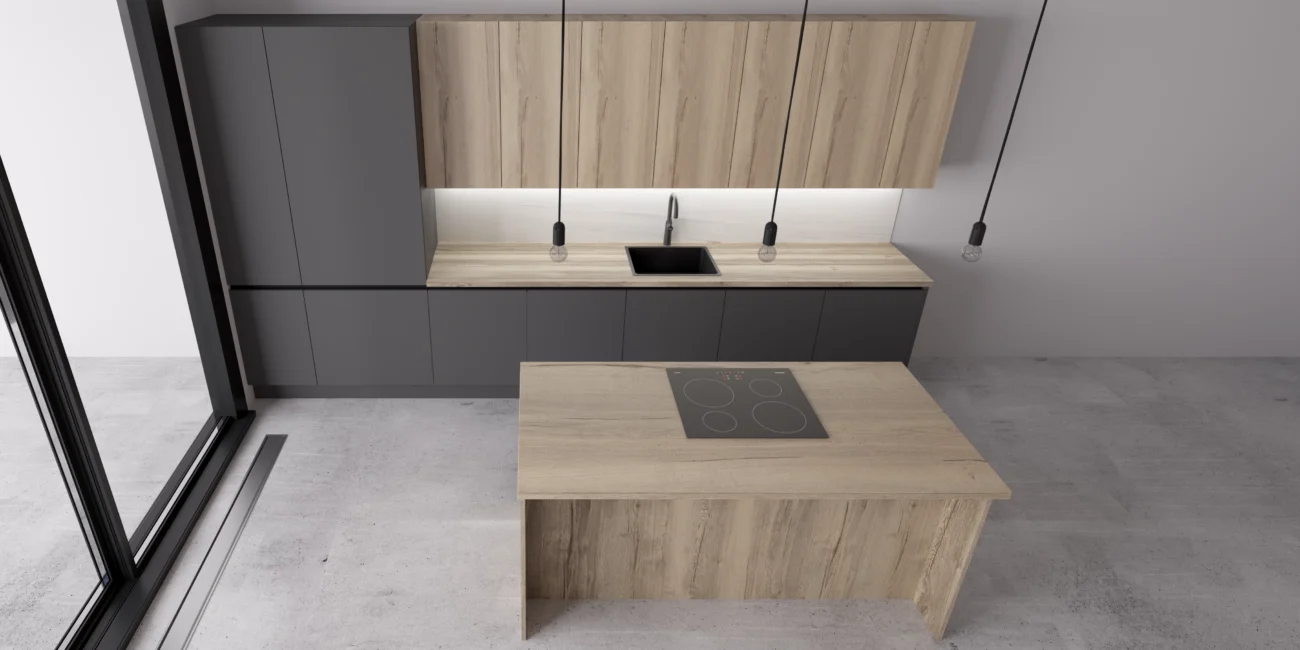
Kitchen 2
This modern minimalist kitchen showcases a sophisticated two-tone design that balances warmth and contemporary style. The space features sleek dark gray handleless lower cabinets c
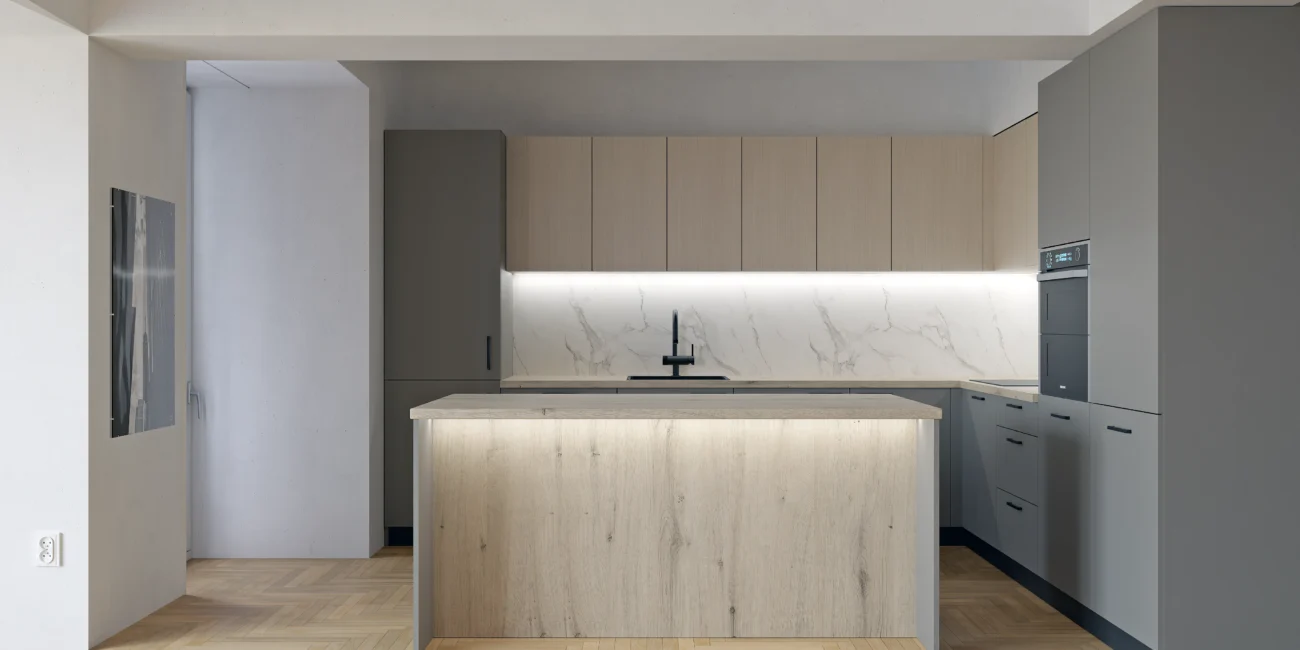
Kitchen 1
This elegant contemporary kitchen exemplifies refined minimalism through its sophisticated material palette and expertly layered lighting design. The space features a harmonious bl